-
Go to the Menu section using the bottom navigation.

-
Tap on the Payment row.

-
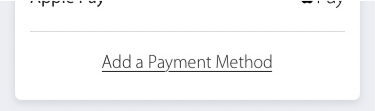
Tap on Add a Payment Method at the bottom of the first tile.
-
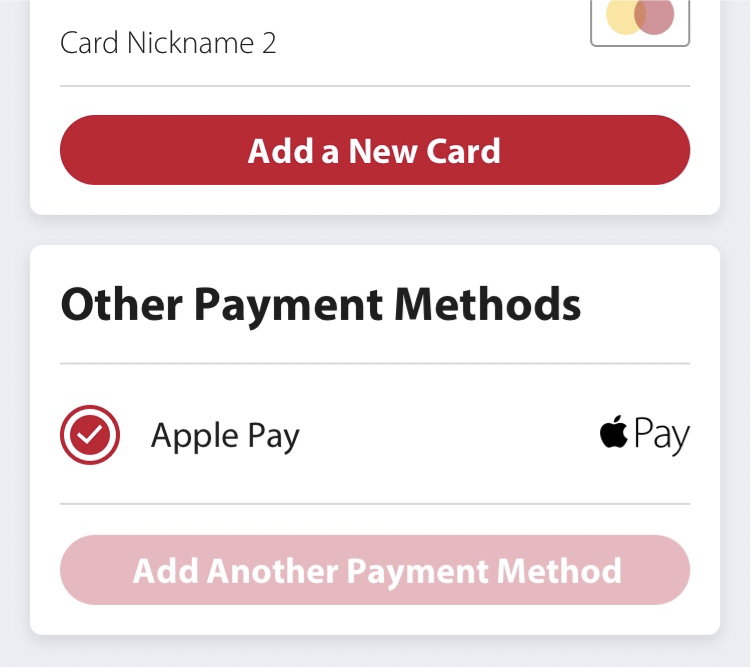
Press Add a New Card to add a credit card, or Add Another Payment Method to add an alternative payment method.
-
If you are adding a credit card, a popup window will open. Fill out all required fields then press Add Card.
